Convert the game
Relink the executable for your system, in the browser or on the command line.
Conversion rewrites the game’s executable and modules into a native Linux or Windows program and adds AnyPS5’s system libraries next to it. Your files never leave your computer.
In the browser (recommended)
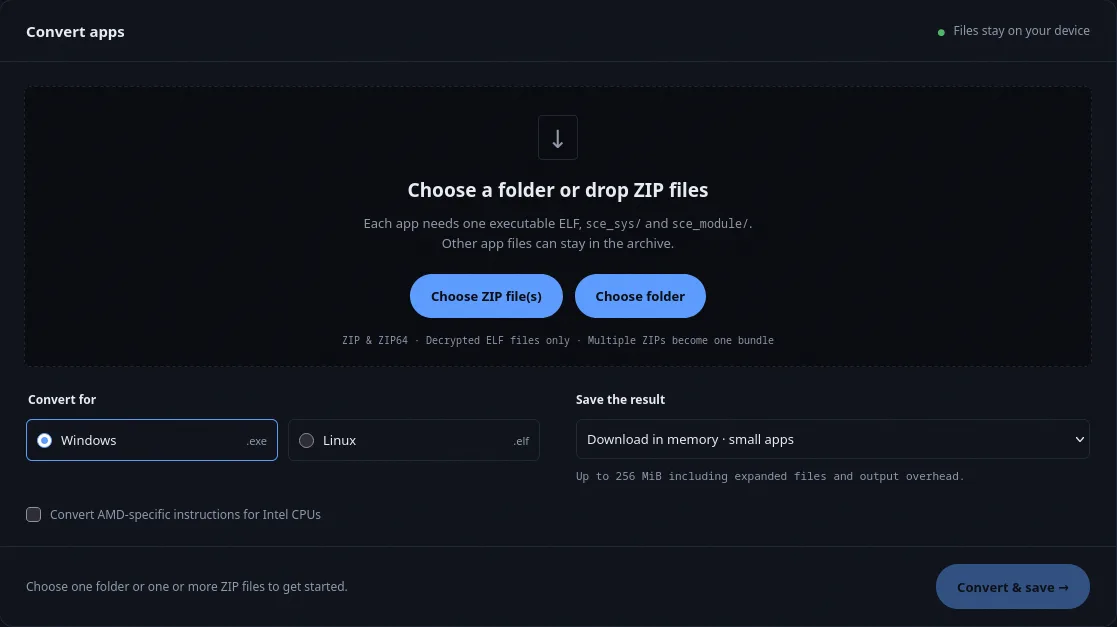
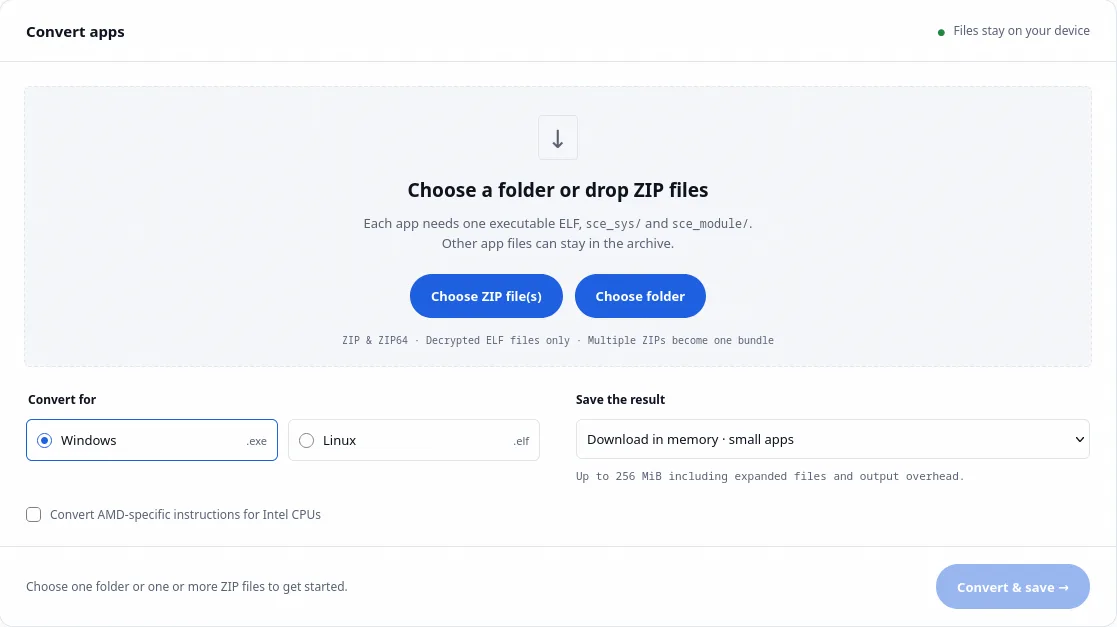
- Choose your dump's folder, or one or more ZIP files.
- Pick the system you will play on.
- Pick how to save the result.
- On an Intel CPU, tick this.
- Convert and save.
- Open the web converter.
- Choose your dump’s folder, or drop one or more ZIP files.
- Pick Windows (.exe) or Linux (.elf).
- Pick how to save the result:
- Download in memory for small games, up to 256 MiB.
- Save ZIP to disk for large games. Needs desktop Chrome or Edge.
- Save to folder writes an uncompressed folder. Linux output only, one game at a time.
- On an Intel CPU, tick Convert AMD-specific instructions for Intel CPUs.
- Select Convert & save.
The result already contains the system libraries and the right folder layout. Extract the entire ZIP before you start the game.
On the command line
The native relinker handles any size of game and has more options. Get relinker and the library archive for your system from the download page, rename the relinker download to relinker (or relinker.exe), and run it on the game’s executable. The game’s sce_module/ folder must sit next to eboot.bin.
chmod +x relinker
./relinker app0/eboot.bin game/app.elf
unzip prx-linux-*.zip -d game/.\relinker.exe --windows app0\eboot.bin game\app.exe
Expand-Archive prx-windows-*.zip -DestinationPath gameWithout --windows, the output is a Linux file even if its name ends in .exe, and Windows refuses to start it.
The library archive unpacks into a libs/ folder. Use the archive built for the same system as the game.
Useful options:
| Option | Use it when |
|---|---|
--to-intel |
You play on an Intel CPU |
--module-dir <dir> |
The game loads modules from other folders, like Unity’s Media/Plugins |
--registry |
You want to check which system functions the game needs before running it |
The usage reference lists every option.
Arrange the files
The relinker prints the layout it expects (Arrange the files like this). It looks like this:
game/
    app.elf  or  app.exe     the converted executable
    libs/                    AnyPS5 system libraries
    app0/                    the game's original files
        eboot.bin            keep the original, games look for it
        sce_sys/param.json
        sce_module/          the converted modules (the relinker prints each one
as "Guest module:")- Copy the rest of your dump into
app0/, including the originaleboot.bin. - Put only AnyPS5’s libraries in
libs/. Original PS5.prxfiles inlibs/make Windows fail with error 193. - On Linux,
app0/must not contain symbolic links. Use copies or hard links.